Why English to Korean Presenter is challenging
Translating an English presentation into Korean involves several steps that can be time-consuming and prone to errors. The process typically includes translating the text, formatting it to fit the presentation layout, reviewing the translation for accuracy, and ensuring the visual elements remain consistent.
One major challenge is maintaining the original formatting while translating. Different languages have varying word lengths, which can disrupt the layout of slides. Another hurdle is ensuring the quality of the translation. Direct translations can sometimes miss nuances or cultural context, leading to miscommunication. Reviewing the translated content requires a native Korean speaker with presentation experience, adding another layer of complexity. Finally, managing different file formats and ensuring compatibility across platforms can further complicate the workflow.
What makes a good Presenter workflow
An effective workflow for creating English to Korean presentations should prioritize accuracy, efficiency, and ease of use. The ideal workflow starts with a clear source document, typically in a common format like .docx or .pdf. This document should be translated using a reliable translation tool or service.
The translated text should then be integrated into the presentation, paying close attention to formatting and layout. A native Korean speaker should review the final presentation to ensure accuracy and cultural appropriateness. Quality checks should include verifying the accuracy of the translation, the consistency of the formatting, and the overall clarity of the message. File formats should be compatible with presentation software like Microsoft PowerPoint or Google Slides. Language codes (e.g., "en" for English, "ko" for Korean) should be correctly applied to ensure proper rendering of text and fonts. Clear responsibilities for each step, including translation, formatting, and review, are essential for a smooth workflow.
For the practical workflow, English to Korean Presenter with Doctranslate.io keeps the source file, target output, and review step in one place.
How Doctranslate.io handles English to Korean Presenter
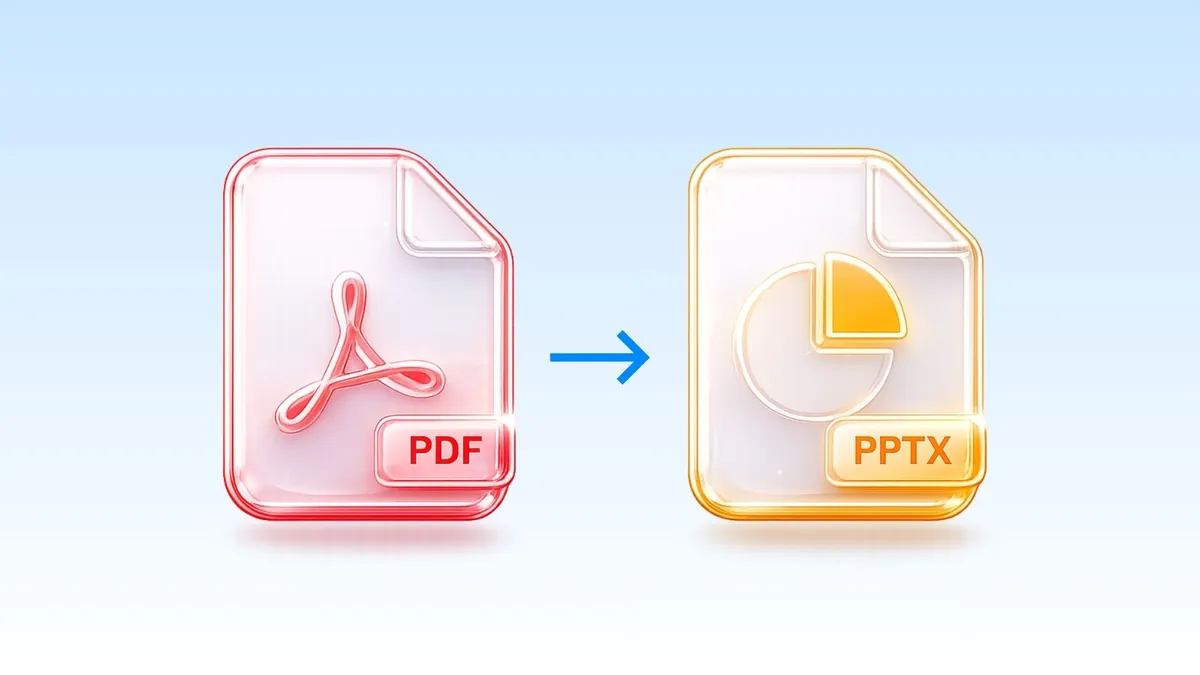
Doctranslate.io simplifies the Presenter workflow process by automating many of the complex steps. The core feature of Doctranslate.io is its ability to transform a PDF report to presentation deck automatically, streamlining the creation process and saving significant time.
Doctranslate.io’s Presenter tool leverages AI to handle the translation and formatting seamlessly. Instead of manually copying and pasting text, users can upload a PDF report and have it converted into a presentation deck. The tool preserves the original layout as much as possible, reducing the need for extensive manual adjustments. Doctranslate.io’s AI algorithms also provide high-quality translations, minimizing the need for extensive revisions. This automated approach ensures accuracy and consistency. By using Doctranslate.io Presenter, businesses can dramatically improve their presentation workflow.
Step-by-step guide for English to Korean Presenter
Using Doctranslate.io's Presenter is straightforward, following these three key steps:
- Sign up: First, create a free account at https://doctranslate.io. There is no credit card required for the free trial.
- Upload/Paste: Upload your source file, such as a PDF report, or paste the text directly into the designated area within the Presenter tool.
- Download/Copy: Once the translation and formatting are complete, download the presentation in your desired format or copy the translated content directly.
Use cases for English to Korean Presenter
Several business scenarios benefit from an efficient this workflow workflow.
- International Marketing: Companies expanding into the Korean market can quickly adapt marketing materials, such as brochures and sales presentations, for local audiences.
- Sales Presentations: Sales teams can create compelling presentations for Korean clients, ensuring clear and effective communication of product features and benefits.
- Training Materials: Businesses can translate training manuals and presentations into Korean, improving employee comprehension and engagement.
- Investor Relations: Companies can prepare investor presentations in Korean to communicate financial results and strategies to Korean investors.
A reliable process should define the input asset, reviewer role, acceptance criteria, and deadline before work begins. That keeps the Doctranslate.io setup focused on a concrete handoff instead of a generic content task.
A useful review checklist should cover names, numbers, terminology, formatting, and delivery readiness. These checks give teams a clear quality bar without repeating the same workflow advice in every section.
The file preparation step should preserve source structure before any language work starts. Teams should collect the latest approved file, confirm the target audience, and note any terms that must stay unchanged.
The review step should be assigned to a person who understands both the business context and the target-language audience. That reviewer can approve tone, terminology, visual layout, and final delivery readiness in one pass.
The handoff step should make the final output easy to reuse. A clean export, clear filename, and short approval note help downstream teams know which version is ready for sales, training, or client delivery.
The workflow should also record decisions that affect future projects, such as preferred terminology, file-format constraints, and recurring layout issues. Those notes reduce rework when the next source file follows the same pattern.
Slator language technology reports track how language and localization teams evaluate automation by accuracy, review control, speed, and production readiness.
For governance, the team should keep one owner for the source asset and one owner for final approval. That prevents duplicate edits and makes it clear which version is ready for customers or internal teams.
For quality control, reviewers should compare the generated output against the original structure, not just the translated wording. Layout, speaker notes, tables, charts, and embedded labels can all change how the message is understood.
For delivery, the workflow should end with a reusable file and a short note about what was checked. This makes the next project faster because the team already knows which terminology, format, and review pattern worked.
The Bottom Line
The bottom line: define the source asset, reviewer, approval criteria, and delivery format before the work starts. Presenter gives teams a practical way to keep generation, review, and final handoff connected.
Start with Doctranslate.io Presenter when the next file needs a reviewed, ready-to-share output.






Discussion
No comments yet