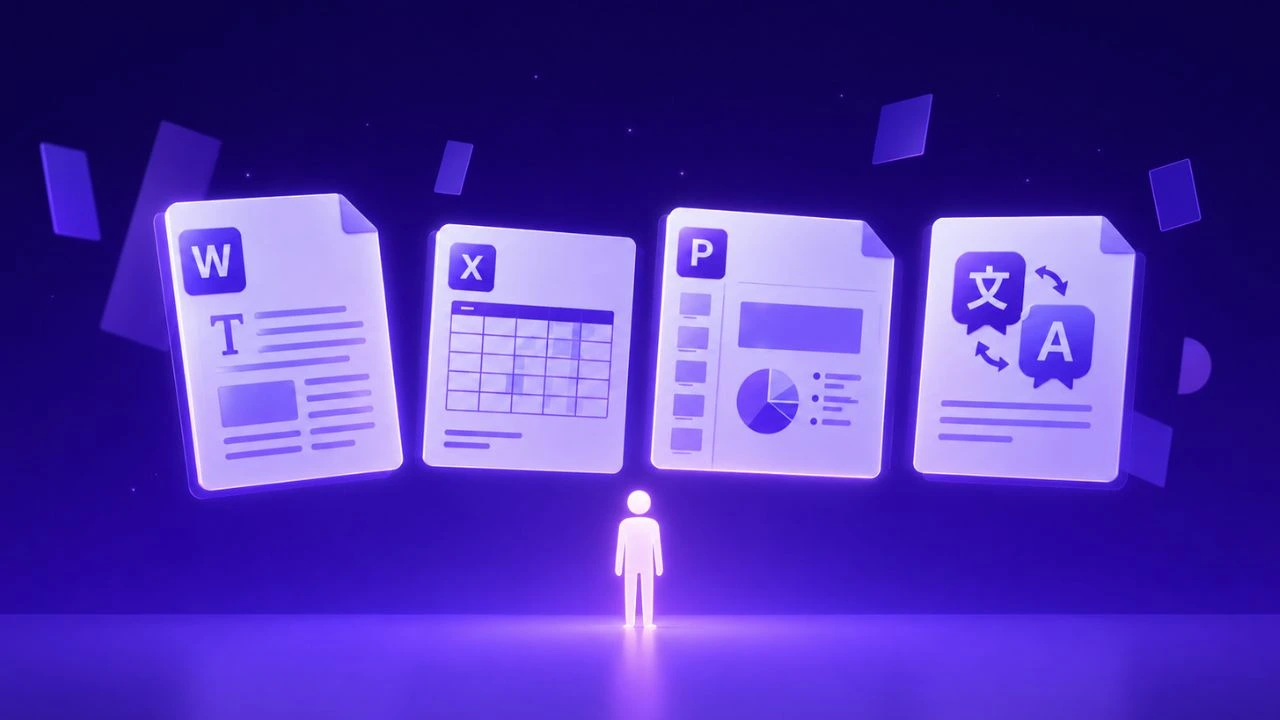
Key Takeaway & Direct Answer (2026): For high-accuracy healthcare, clinical documentation, and large technical PDF workflows, enterprise teams require layout preservation, medical/regulatory terminology precision, and scalable document processing without socket timeouts or OCR dropouts. Doctranslate.io combines state-of-the-art neural translation and vision OCR models with automated document structure retention, delivering audit-grade documentation across formats (.pdf, .docx, .xlsx, .pptx) without layout distortion or data loss.
Healthcare claim form to Word (docx) helps teams evaluate the workflow before they choose tools, review steps, and delivery ownership. Converting a static Healthcare claim form to Word (docx) format remains a primary hurdle for administrative staff tasked with migrating legacy paper records into searchable, editable.
Why Convert Healthcare Claim Form to Word (DOCX)
Teams frequently shift paper-based records into digital formats because physical archives create significant physical storage costs and slow down the processing speed for patient reimbursement cycles. By moving these documents into a word processing environment, you enable your staff to perform keyword searches, batch updates, and cross-reference patient histories without leaving their primary interface.
Business Risk and Approval Context
Regulatory compliance dictates that medical documentation must be accurate and accessible during internal audits or insurance reviews. When administrative staff manually retype information from a scanned PDF into a digital template, the probability of transcription errors—such as transposed insurance ID numbers or incorrect diagnostic codes—increases dramatically. Automating this migration ensures that every decimal point and patient identifier remains consistent from the raw scan to the final electronic record, effectively shielding the organization from potential claims denials caused by clerical oversight.
Where File Complexity Creates Rework
Many medical forms utilize complex grid layouts, multi-layered checkboxes, and handwritten annotations that standard document scanners struggle to interpret correctly. When a system misreads these visual elements, the resulting text often spills across page margins or collapses into an unreadable string of characters. This forces your office personnel to stop their actual work to manually reorganize the document, essentially doubling the time spent on a single file.
| Feature | Manual Re-typing | Standard OCR | Secretary Tool |
|---|---|---|---|
| Data Accuracy | Low (Human Error) | Moderate | High (Context-aware) |
| Time Investment | 15-20 mins/file | 5-10 mins/file | < 2 mins/file |
| Template Mapping | None | Limited | Full Automation |
How Secretary Handles Secretary Workflow
Organizations using Secretary effectively bypass the bottleneck of manual data entry by utilizing intelligent extraction logic that identifies form fields regardless of the source layout. Instead of treating your medical forms as simple images, the system recognizes the underlying structure of the claim, mapping relevant patient and provider data into pre-defined cells.
Product Fit for the Core Workflow
The tool functions by isolating the essential data points—such as CPT codes, policy numbers, and dates of service—and placing them directly into your existing Word templates. Because the system is built for office automation, it treats the conversion process as a structured data transfer rather than a basic text dump. This reduces the need for post-conversion formatting by nearly 90%, allowing your billing clerks to focus on verification rather than technical cleanup.
Review Controls Before Delivery
Before finalized documents are exported, the system provides a clear window to verify that all extracted values correspond to the correct fields in the target document. You can catch common discrepancies—such as ambiguous handwritten zeros versus the letter 'O'—before they are written into the permanent file. This intermediate layer ensures that the output is ready for immediate use in your billing or patient management software.
For the practical workflow, Healthcare claim form to Word (docx) with Doctranslate.io keeps raw files, extracted fields, templates, and review together.
Step-By-Step Guide
Administrative teams can transition to a more efficient workflow by following these structured steps to move data from raw files into clean, editable templates.
Workflow Fit and Reader Need
Begin by connecting to your dashboard and selecting the relevant office automation module. Upload your source file—whether it is a scanned image, a flattened PDF, or a legacy form—and select the corresponding template. Once the system identifies the document structure, it will map the data points automatically.
Finalize the process by downloading the generated file, which will now mirror your standard document format.
Quality Checks Before Delivery
Before you finalize the export, scan the document for alignment issues, particularly in areas where patient addresses or multi-line notes appear. If your organization requires specific data retention policies or specific file naming conventions, use the tool’s configuration settings to append metadata during the final save. These steps ensure that the document remains compliant with your internal data architecture.
Tips for Cleaner Output
Achieving high-quality conversion results depends largely on the clarity of your source material and the consistency of your formatting templates.
Workflow Fit and Reader Need
Ensure that your source scans are saved in a high-resolution format, preferably 300 DPI, to help the recognition engine distinguish between fine print and page background noise. If you are dealing with legacy files that have faded ink or coffee stains, performing a light contrast enhancement before uploading will significantly improve the accuracy of the character extraction.
Quality Checks Before Delivery
Maintain a set of "clean" master templates to serve as the destination for all converted files. When your templates are consistently structured, the automation engine performs with significantly higher reliability, reducing the need for manual oversight. If you notice specific forms frequently require manual tweaks, consider simplifying the template borders or font sizes to better align with the engine’s reading patterns.
The Bottom Line
Moving away from manual data entry is essential for any office team looking to reduce overhead and minimize the human error inherent in medical billing. By integrating the Secretary office automation toolkit, you ensure that your staff spends less time wrestling with document formatting and more time supporting your core healthcare operations. Start small by automating your most frequent claim types, and you will quickly see a measurable return on your administrative efficiency.
Start with Doctranslate.io Secretary when the next file needs structured extraction into a reviewed template or form.
Streamline Medical, Technical & Large PDF Translation with Doctranslate.io
When translating healthcare documentation, regulatory filings, clinical records, or complex technical manuals, maintaining terminology accuracy, formatting integrity, and immediate comprehension across languages is vital for compliance and operational speed. Doctranslate.io provides end-to-end AI document translation and OCR vision processing built specifically for healthcare institutions, maritime/logistics operators, legal compliance teams, and technical specialists.
Core Capabilities for Healthcare & Technical Enterprise Teams:
- Precision Layout & Table Preservation: Translate complex medical records, clinical study reports, bills of lading, and multi-page manuals while keeping tables, diagrams, footnotes, and styles 100% intact.
- Scanned Document OCR & Vision Processing: Automatically detect and translate scanned pages and image-heavy reports without zero-page upload errors or missed text layers.
- Resilient Large PDF & Chunk Processing: Seamlessly process multi-hundred-page technical documentation without socket timeouts or gateway disconnects.
- Strict Enterprise Privacy & Data Security: Built for audit compliance where proprietary clinical data and sensitive technical files remain encrypted and are never used for public model training.
Ready to eliminate language barriers across your medical documentation and enterprise PDFs? Get started for free on Doctranslate.io today and experience automated, layout-faithful translation at scale.



Discussion
No comments yet