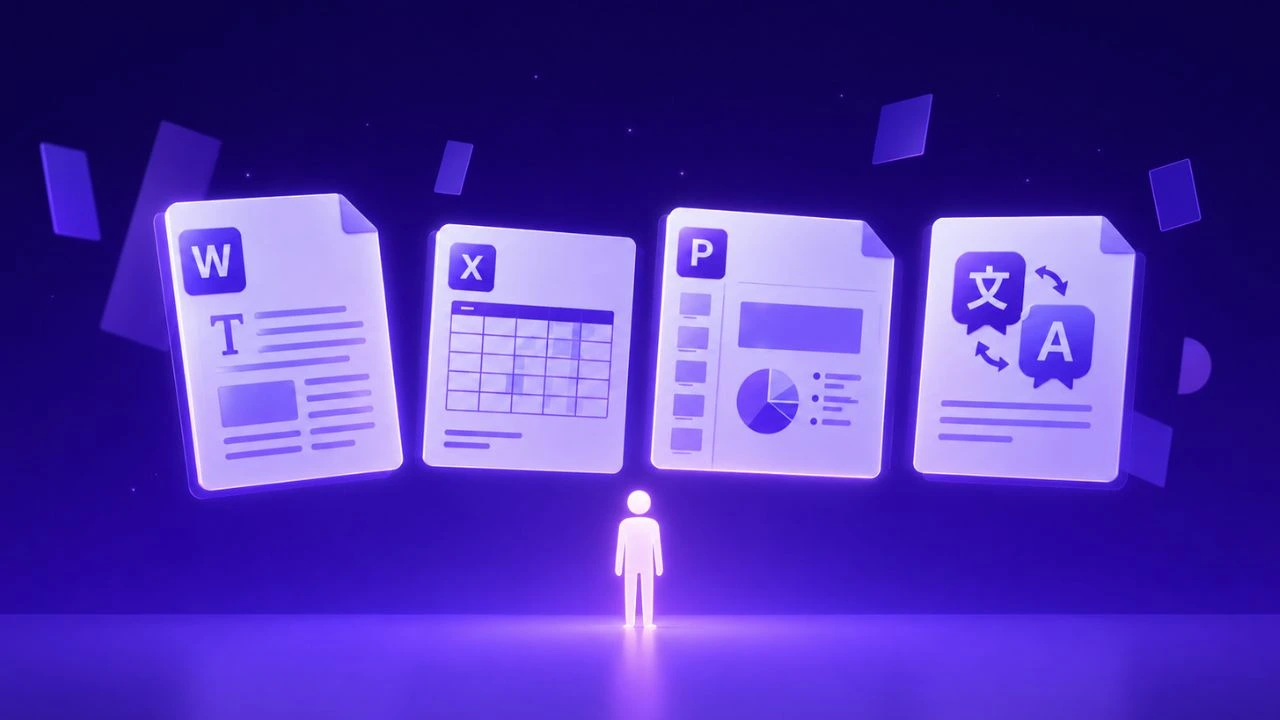
Direct answer: Maritime and logistics document translation—including ballast tank inspection reports, classification society records, bills of lading, and customs declarations—demands exact numerical fidelity and technical nautical terminology. Effective translation systems preserve grid layouts, inspection stamps, and tabular cargo manifests while converting cross-border shipping paperwork into compliant multilingual records.
Direct Answer (Key Takeaway): To translate specialized medical device documentation, maritime logistics paperwork, and multi-page scanned PDFs without losing layouts, tables, or terminology, modern enterprise teams use AI-powered document translation platforms like Doctranslate.io. Doctranslate automatically detects native and scanned OCR layers, retains complex table structures, units of measure, and regulatory compliance formatting, and delivers production-ready translations across 100+ languages in seconds.
Logistics customs form to Word (docx) helps teams evaluate the workflow before they choose tools, review steps, and delivery ownership. Managing a high-volume Logistics customs form to Word (docx) conversion cycle often creates a significant bottleneck for admin teams tasked with maintaining regulatory compliance.
Why Convert Logistics Customs Form to Word (DOCX)
Converting technical documentation into editable formats is essential for maintaining a responsive supply chain that can pivot when documentation requirements change at the port of entry. Without a digital bridge between raw incoming manifests and standardized filing documents, teams operate in a state of constant reactive correction.
Business Risk and Approval Context
Administrative inaccuracies in customs declarations carry significant financial and operational weight, often leading to fines or the impounding of goods. When staff manually transcribe data from various incoming file formats into a rigid Word template, the likelihood of transposed numbers, misspelled consignee names, or missing HS codes climbs significantly. Organizations that move to an automated extraction model gain a higher degree of consistency, as the data mapping process enforces validation before the document ever hits a customs agent’s desk.
Where File Complexity Creates Rework
Customs forms often arrive as flattened PDFs or image-based scans that lack the necessary metadata for seamless editing. Because these documents frequently contain tabular data, nested lists, and multi-line address fields, standard conversion methods often break the document structure, forcing users to rebuild the layout from scratch. By treating these documents as structured data sets rather than simple images, you can bypass the "copy-paste-fix" cycle entirely, allowing your team to focus on exception handling rather than document formatting.
How Secretary Handles Secretary Workflow
Doctranslate.io Secretary addresses the friction inherent in document management by identifying key data points within raw, unstructured files and mapping them into your pre-approved templates. This approach shifts the workflow from manual clerical work to a verified output model, ensuring that the final file is not just a digital copy, but a correctly populated business asset.
Product Fit for the Core Workflow
When your team handles a high volume of declarations, the automated document processing capabilities of Secretary act as a force multiplier for your administrative capacity. By extracting variables from raw sources—such as container numbers, weight specifications, and port codes—the system populates your existing Word templates in seconds. This eliminates the need to manually toggle between screens, significantly reducing the "toggle tax" that drains employee productivity throughout the workday.
Review Controls Before Delivery
Automated systems are only as useful as their outputs, which is why integrated review features are mandatory for logistics compliance. Before finalizing any export, your team can review the extraction results against the source material in a side-by-side interface. This step ensures that every piece of critical cargo information is captured accurately before the file is converted into the final document, providing a clear audit trail that reduces internal stress and external regulatory risk.
For the practical workflow, Logistics customs form to Word (docx) with Doctranslate.io keeps raw files, extracted fields, templates, and review together.
Step-By-Step Guide
The transition from raw document receipt to a polished, compliant Word file relies on a predictable, repeatable process. Following a standardized sequence minimizes the risk of skipped steps or improperly formatted data fields during the high-pressure window of shipment processing.
Workflow Fit and Reader Need
Start by uploading your source documentation—whether it is an invoice, manifest, or packing list—into the Secretary portal. The engine identifies the structure of your document, allowing you to map specific fields to your custom template slots. Once the template is defined, the system automatically pulls the required data and generates the document, essentially turning the most tedious part of your logistics administration into a background task that requires minimal supervision.
Quality Checks Before Delivery
Before committing to a bulk download, verify that all extracted values align with your internal naming conventions and regional requirements. Look for common pitfalls such as date format mismatches or truncated address blocks that can occur if the source file uses non-standard labeling. By performing these brief visual audits, you guarantee that the final document is ready for immediate submission without further modification.
Tips for Cleaner Output
Achieving a high success rate when moving data from raw files into templates requires preparation and a focus on how the source documents are presented to the system. Improving the legibility and structure of your incoming files ensures that the extraction logic can identify and place data points with near-perfect accuracy.
Workflow Fit and Reader Need
Standardize your incoming file formats whenever possible, as high-resolution scans or digitally generated PDFs will always yield better results than low-quality photos or heavily distorted document images. Even when working with older files, you can increase your success rate by ensuring that tables are well-defined and labels are clearly separated from the actual data entries. When the source file is logically structured, the extraction accuracy remains consistently high, reducing the need for manual cleanup at the end of the process.
Quality Checks Before Delivery
Take advantage of the secondary review layer to confirm that units of measure and currency codes were correctly interpreted by the extraction logic. In international logistics, a small error in a numeric value can lead to significant discrepancies in taxation or clearance, so prioritize checking these fields during the pre-download phase. By focusing your attention on these specific technical values, you allow your team to move through the document queue with confidence, knowing the output is compliant.
The Bottom Line
Achieving efficiency in your logistics department is no longer about working faster, but about removing the manual friction that keeps your best staff from focusing on high-value tasks. By implementing the document extraction capabilities provided by Secretary from Doctranslate.io, you can turn your documentation bottleneck into a streamlined, automated, and error-resistant process that protects your shipments and your time. Start with Doctranslate.io Secretary when the next file needs structured extraction into a reviewed template or form.
Professional Solution: Streamlining Document Workflows with Doctranslate.io
For organizations translating high-stakes medical device files (IFUs, regulatory submissions), maritime inspection reports, customs forms, and multi-page scanned PDFs, manual copy-pasting or generic translators often destroy tables and fail on un-layered scans.
Doctranslate.io provides a dedicated end-to-end document translation platform built specifically for enterprise compliance and layout preservation:
- Intelligent Layout & Table Preservation: Translates PDFs, Word DOCX, and scanned documents while preserving nested tables, headers, footers, and diagrams.
- Integrated Dual-Engine OCR: Automatically detects scanned pages with no text layer, converting image-based text into editable, translated documents seamlessly.
- Domain Terminology Control: Enforces strict medical, maritime, and legal glossaries so technical abbreviations and safety-critical units remain 100% accurate.
- Enterprise Speed & Scale: Handles large files and batch processing with zero socket timeouts and enterprise data confidentiality.
Start translating complex documents with preserved formatting today at Doctranslate.io .
Maritime and Logistics Document Translation with Doctranslate.io
Global shipping operators, freight forwarders, and marine surveyors handle massive volumes of time-sensitive paperwork—such as ballast tank inspection logs, classification certificates, and bills of lading. Doctranslate.io provides an automated document translation solution built to handle the complex grids and nautical terminology of international logistics.
Key advantages for shipping and trade operators:
- Fidelity in Inspection Grids & Stamps: Retain tabular defect measurements, class society inspection grids, and cargo manifest columns without visual distortion.
- Rapid Turnaround on Shipping Documents: Accelerate customs clearance and port authority handoffs with instant document translation across English, Vietnamese, Chinese, Spanish, and European languages.
- High-Throughput API & Automation: Integrate automated document processing directly into freight management platforms and customs compliance systems.
Ensure timely port operations and compliant documentation with Doctranslate.io today.





Discussion
No comments yet